

Plugins & Modules
PrestaShop OCI & cXML PunchOut Plugin
PrestaShop is built for B2C sales and does not natively support complex B2B transactions like OCI and cXML PunchOut. Abeta has developed a dedicated plugin that connects your PrestaShop store via our middleware directly to your customers' procurement software.
#Why choose the Abeta plugin for PrestaShop?
- Prevent database slowdowns: To prevent large B2B orders from slowing down your site, our plugin processes all OCI and cXML data in the middleware. This keeps your PrestaShop database light and fast.
- Direct integration with Customer Groups: PrestaShop uses 'Customer Groups' to display specific pricing and catalogs. Our plugin identifies the correct group via the middleware as soon as a buyer logs in through PunchOut, and will display the correct B2B prices and assortments.
- One plugin for all procurement systems: You do not need to install separate modules in PrestaShop for every client or procurement system (such as SAP Ariba, Coupa, AFAS, and Elari). A single PunchOut connection via Abeta links you to all of them.
#How does the PrestaShop OCI plugin work?
The plugin connects your PrestaShop store via the middleware to your customers' procurement software (such as SAP Ariba, Coupa, AFAS and Elari). Abeta bridges the gap between your online store and the procurement system.
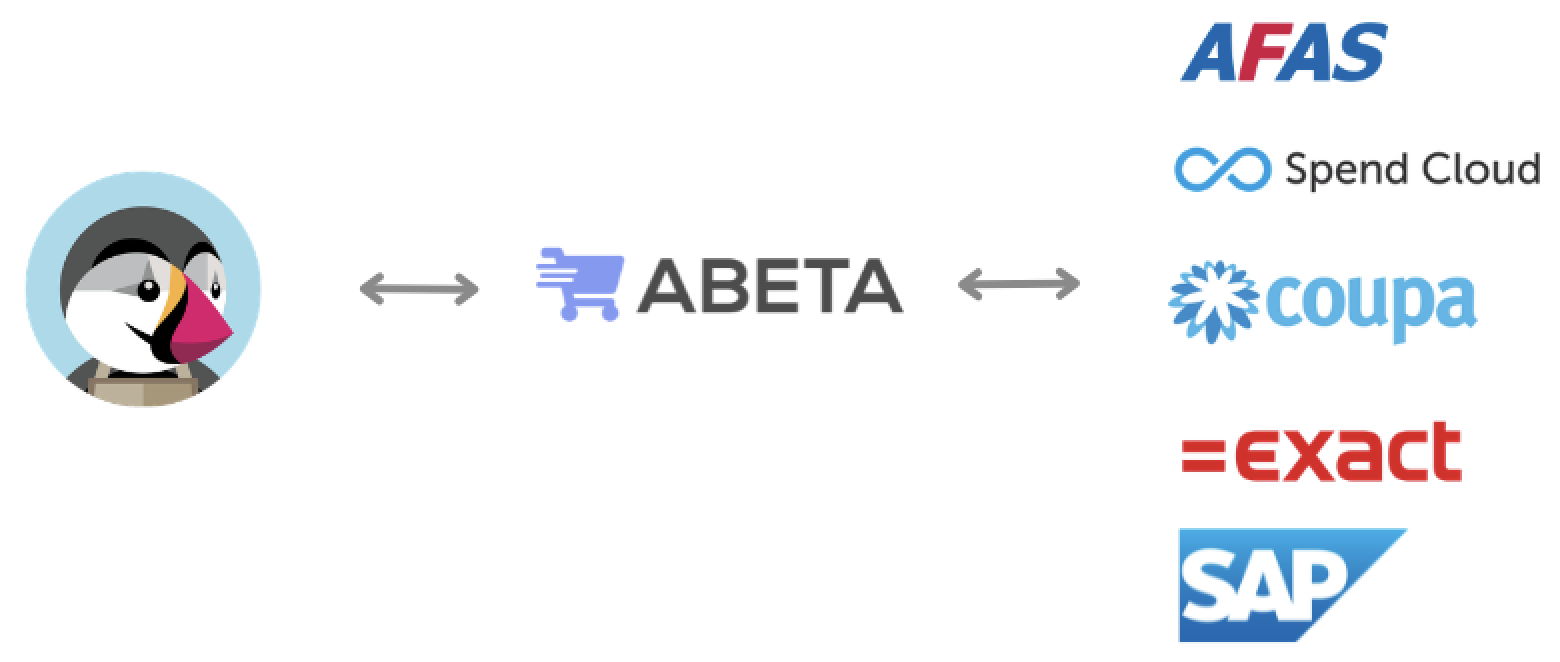
This process consists of 3 steps:
#1. Authentication / Login
The buyer clicks the link to your online store within their procurement system. Abeta receives the OCI or cXML request, verifies the credentials, and automatically logs the user into the correct PrestaShop account.
#2. Cart transfer (PunchOut)
The PunchOut user fills their cart in your PrestaShop store. Our plugin replaces the standard PrestaShop checkout button with a ‘Return to ERP’ button, sending the cart data back to the procurement system via the middleware.
#3. Purchase order receiving (optional)
Once the order is approved within your customer's company, the middleware delivers the final purchase order back into your PrestaShop environment for immediate processing.
#Get started
Would you like to know how to connect your PrestaShop store to your customers' procurement systems? Please contact us to discuss the possibilities.